3D printing tools · Made for your computer
Free Lithophane Generator
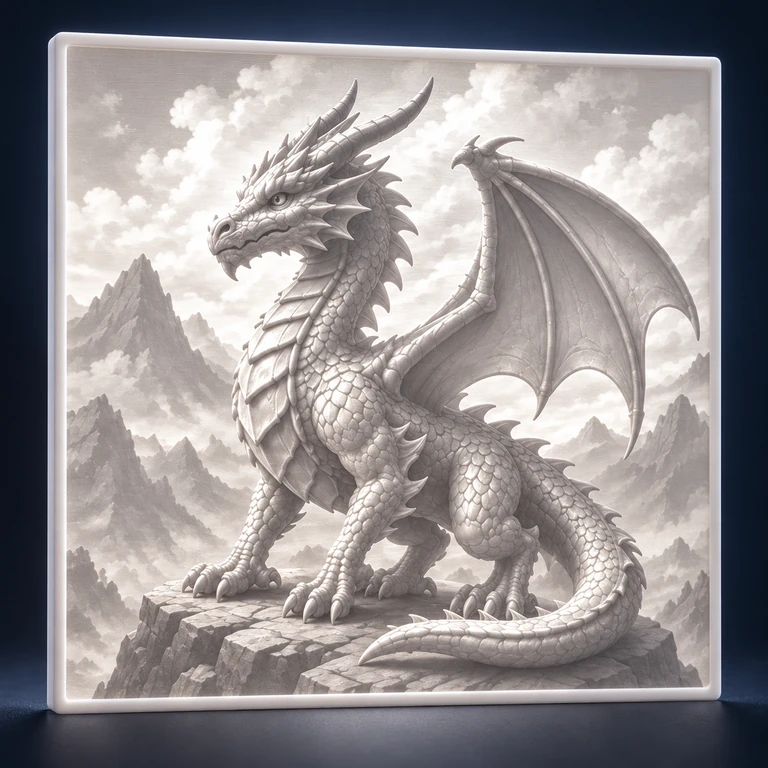
Turn a photo into a 3D printable lithophane STL. Adjust its dimensions, thickness, contrast, border and shape with a live preview.
Explore here. Create on your computer.
This module runs on a desktop or laptop. The editor is unavailable on phones. You can read how it works here and save the link for your computer.
https://lithophane.printooly.com/
What you start with
JPG, PNG or WebP photos.
What you get
A lithophane STL for your slicer.
How it works
- Upload a photo and choose a lithophane shape.
- Adjust size, image contrast, thickness and border.
- Inspect the preview and download the STL for slicing.
Access and pricing
Free, with no sign-up and no watermark.
Before you finish
The image appears through differences in plastic thickness. Material, backlighting, print orientation and slicer settings affect the finished result.